
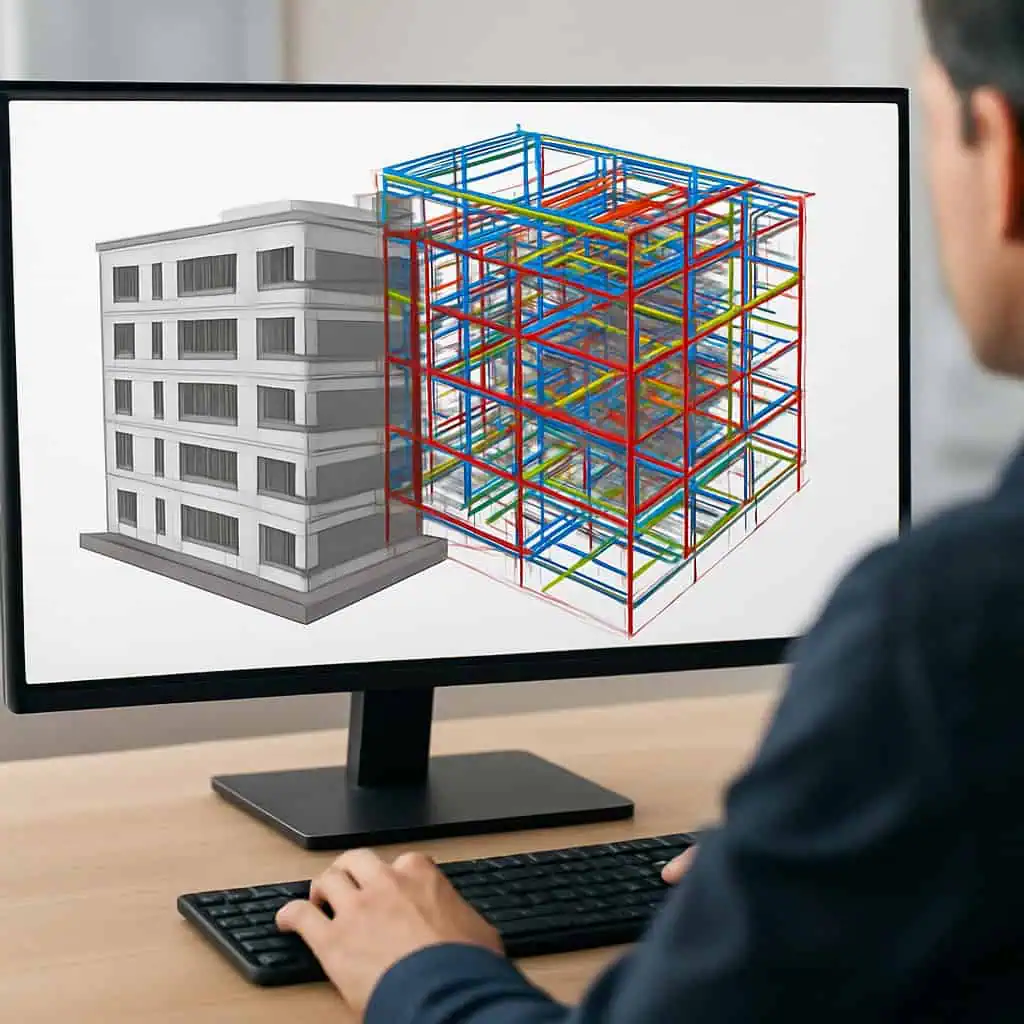
If you regularly check BIM models in your daily work, you don't need an all-in-one miracle device. That's usually only found in sales pitches anyway.What you really need is the right mix of tools for operations. In this post, I compare the best IFC viewers for everyday CAFM use – from mobile viewing to cloud review. It covers typical use cases, strengths and weaknesses, costs, and integration tips. So, exactly what you actually need in day-to-day business.
Solibri Anywhere
For me, Solibri Anywhere is the pragmatic solution for daily operations. Quick model viewing, simple markups, and basic checks directly on the IFC model. Without having to set up a whole coordination project for it. This is particularly convenient when you're doing site inspections or need to quickly check something on-site.
In practice, this means: checking documents, marking deviations, creating defect lists. And all this while the maintenance process is still ongoing or the inspection is taking longer than planned anyway. The application works locally and doesn't require any major installation acrobatics. This saves time and clarifies responsibilities. Teams quickly realize that a good on-site checklist often achieves more than the next big coordination plan.
The core functions are clear: model viewing, markups, and basic rule checks. Annotations can be exported and transferred into CAFM workflows or tickets. It's powerful for quick checks. However, for anything more in-depth, you'll need the larger tool. More information can also be found on the official Solibri website.
In my view, the most important trade-off is simple: deep rule checks and complex coordination remain the domain of the full Model Checker. Large IFC files can sometimes load slowly, and the tool reaches its limits in cloud or multi-user scenarios. However, this often makes it stable and well-calculable for day-to-day operations. It's usually sufficient for site inspections. For audits and larger checks, you should expand your toolset.
A typical example: An FM team opens the IFC model of an office complex on their laptop, marks deviations in room sizes and installations, and creates a completed checklist. This is exported and imported into the CAFM system. Technicians on-site can then directly see where action is needed. Less searching, more clear tasks.
Solibri Anywhere is excellent for quick local checks and capturing deviations. For regular validation and coordination, a more in-depth tool is needed if required.
Autodesk Navisworks Manage
Autodesk Navisworks Manage is almost standard for many BIM coordination teams. It's the bridge that combines scattered IFC data from architecture, structure, and MEP into a robust coordination model. However, it's rather cumbersome for field operations. This isn't meant negatively, but simply the result of extensive functionality and even greater computational demands.
Its strengths clearly lie in clash detection, 4D simulation, annotations, and reporting. If you want to combine models from different disciplines and visualize conflicts, you get a powerful tool here. For spontaneous on-site checks, it's often too large, too complex, and too data-hungry. It's better to use a lighter viewer.
In a campus project, architect and engineering models were combined in Navisworks to check coordination before commissioning. Around 120 conflicts between pipelines and the structure emerged. The conflict list was exported as a CSV and translated into CAFM work orders. The result was unspectacular but valuable: less rework, less friction, fewer surprises.
A practical tip from reality: Save viewpoints by discipline. Then everyone involved really sees the same thing. This saves discussions that would otherwise reliably extend every approval. Also, check if a lighter model is sufficient. Not every question requires the full heavyweight.
The disadvantage is obvious: Navisworks requires performance. Lots of RAM, a good graphics card, and a certain depth of learning are mandatory. Licensing can also become a small hurdle if you're still watching every penny in the company. Direct bidirectional integration into CAFM is usually not possible out of the box. It usually requires an intermediate solution.
Navisworks Manage excels at coordinating large IFC models. For daily field operations, a lightweight viewer is often more practical.
Trimble Connect
Trimble Connect is more than a viewer. It's a cloud collaboration platform for BIM models and IFC files. This is exciting for everyday FM because markups, approvals, and tasks are directly linked to the model and don't disappear into five parallel folder structures. So it's almost revolutionarily simple, considering the usual project reality.
The platform is cloud-first: central model versions, role management, and traceable revision management. Changes remain cleanly documented. You can even revert to earlier model states if a review suddenly wasn't as final as it sounded in the approval meeting. This reduces rework and makes changes traceable.
In a large office complex, I saw how the FM team uses Trimble Connect to review IFC models in the office and annotate them further on-site via tablet. Markups were directly transferred into the approval process, and defects were sent as tasks to the CAFM system. This ensures speed and fewer media breaks. All without the question of 'Who changed what in which file again?'.
Collaboration across devices and locations is strong. The dependency on a stable internet connection is a weakness. Large files can significantly strain bandwidth. Additionally, there are authorization management and license costs that shouldn't be discovered only after go-live.
Trimble Connect is very suitable for cloud-based review workflows and field-related tasks. However, internet, permissions, and costs should be planned for carefully.
Graphisoft BIMx
Graphisoft BIMx is the mobile model viewer from the ArchiCAD environment. In everyday use, it's particularly practical for construction and facility teams who need quick access to models on the go. It's less about in-depth reviews and more about orientation, visual checks, and quickly capturing deviations. The tool is quite pleasant for exactly these purposes.
The mobile navigation is intuitive. The offline mode is strong. And if the Wi-Fi on-site has creative outages again, BIMx remains usable. This is a real advantage in field use. Additionally, there are simple markups and the linking with plans, which noticeably simplifies working with technical details.
A service technician uses BIMx on a tablet during maintenance in a library property. He checks room heights and installations, adds markups, and attaches photos. Afterward, he exports a compact deviation list for the CAFM system. It's not a big fuss, but that's precisely the point. It just works.
The limitation is clearly in rule-based checks and coordination. BIMx is not built for that. For clash detection or in-depth model analysis, other tools are needed. Large IFC files can also noticeably impact performance locally. So, one shouldn't mistake it for a coordination monster just because it looks nice.
BIMx is ideal for quick visual orientation and markups in the field. For in-depth reviews, complementary desktop tools are needed.
BIMcollab Viewer
The BIMcollab Viewer is strong in issue management. Not in heavy model computation, but in cleanly documenting defects and transferring them into tickets. This is very practical for CAFM workflows because a review doesn't just become a note, but a traceable process. This is exactly what saves discussions later.
In an existing property, the facility manager marks deviations, access obstructions, and installation problems in the browser. The markups automatically create linked issues that can later be transferred into CAFM tickets. This keeps the process traceable and auditable. So, all things that usually only become important in projects when things are already going wrong.
The strength lies in collaboration and clean status tracking. However, large models can lose performance on the browser side. This is particularly noticeable when working with many participants simultaneously. The tool is not intended for pure geometry analysis anyway.
The BIMcollab Viewer is particularly suitable for collaborative defect documentation and issue workflows. For detailed reviews, it should be combined with specialized tools.
Autodesk Viewer
Autodesk Viewer is the quickest way to check IFC files without installation. Open your browser, load the model, done. This is practical for coordination with stakeholders who don't want to install software or undergo training. Sometimes, this simplicity is the decisive advantage.
You can browse models, add markups, and perform simple measurements. Approvals can be shared via a link. This significantly speeds up communication. It's very useful for daily operations, as long as you don't expect in-depth checks. And that's precisely where its limitations lie.
A facility manager checks if a new electrical cabinet fits in the machine room before carrying out maintenance. They upload the model to the viewer, add two markups, and send the link to the electrician team. The team sees the discrepancy directly, comments on it, and initiates the ticket in the CAFM system. No installation, no back-and-forth, no minor email wars.
Unfortunately, the viewer is not sufficient for complex tasks like space checks, fire safety, or clash detection. Large IFC files can become slow (very slow!), there's no offline functionality, and the checking and coordination features are deliberately kept lean. The tool is good as an initial filter. For anything more, a clean handover to specialized systems is needed.
Autodesk Viewer is the quick initial check and approval point for everyday tasks. For precision, history, and deep validation, a more specialized tool should follow.
