
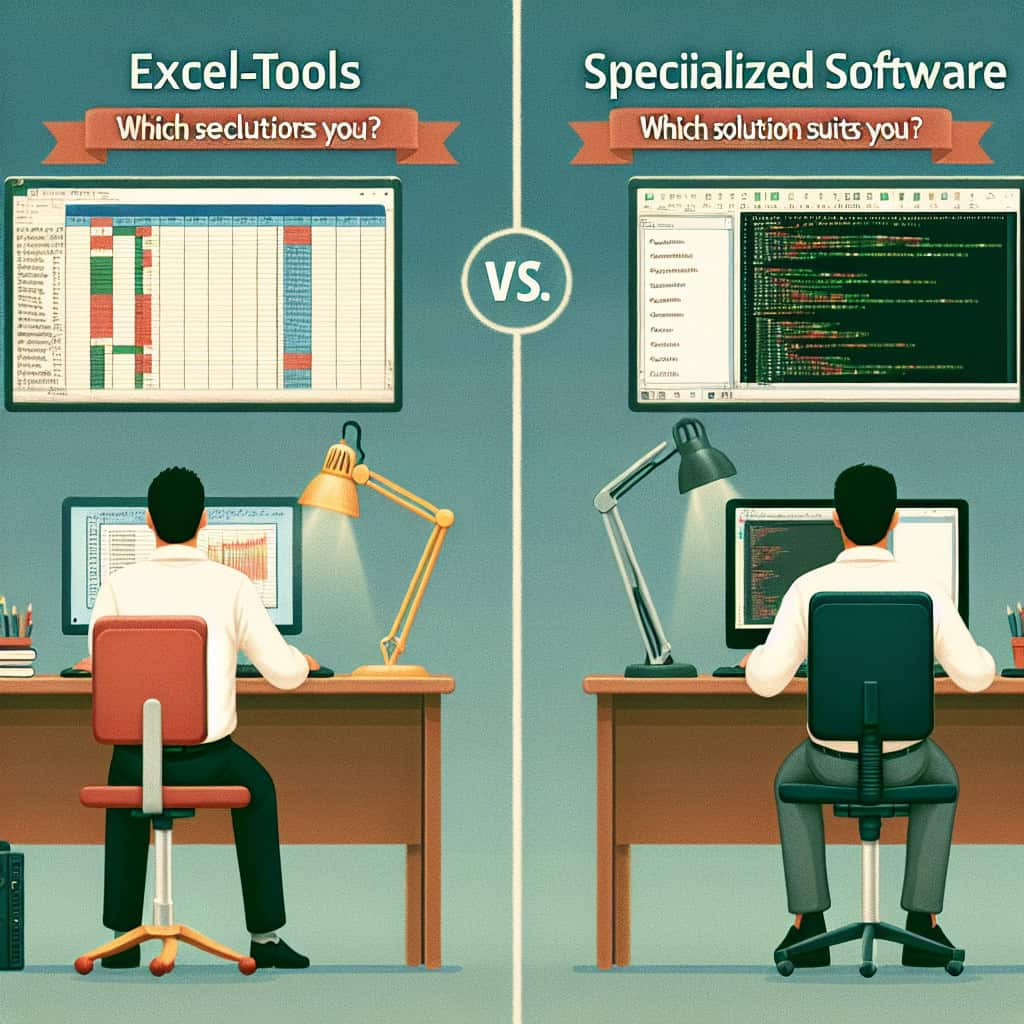
When it comes to managing operating costs, many face the question: Excel or rather specialized software like CAFM? While Excel tools offer a cost-effective and familiar solution, specialized software could provide a decisive competitive advantage for the Operating cost accounting specific needs. But what is really the best choice for your specific needs? Let's dive into this topic together and find out which option suits you best.
- Flexibility: Excel spreadsheets are extremely customizable. You can design your operating cost statement exactly according to your wishes. But with this freedom comes responsibility: it is up to you to correctly implement all formulas and calculations.
- User-Friendliness: Many of us grew up with Excel – it simply feels like a second home. However, this familiarity can also be deceptive; complex billing processes could quickly lead to frustration if something doesn't work right away.
- Automation: This is where specialized software shines! It often offers automated functions for operating cost statements that can save you a lot of time and nerves. Just imagine how great it would be if the annoying 'Excel puzzle' was finally a thing of the past!
Ultimately, the decision depends on how much time and energy you want to invest in your Operating cost management you are willing to engage with the technology, a Operating cost accounting with Microsoft Excel could be an excellent choice. However, if simplicity and efficiency are your priority, specialized software might be the answer to your questions.
Because let's be honest: Nobody has time for hours of troubleshooting in an Excel spreadsheet – especially not with cost management! So let's find out together which solution not only serves your efficiency but also ensures that the management system runs smoothly.
The Role of Excel in Operating Cost Accounting
Excel plays a central role in Operating cost accounting, primarily because it is the first tool that comes to mind for many companies. But is it really the best solution? Let's take a closer look at the versatile world of Excel in operating cost management.
The Strengths of Excel
- Cost-effectiveness: Excel is often already part of your Office suite, which means you don't have to bear additional costs for software licenses. This makes it the ideal choice for small businesses or start-ups that are just getting started.
- Adaptability: Whether you need Operating Cost Accounting Excel Template or want to develop your own system – the possibilities are almost limitless. You can use formulas and macros to customize your billing.
- Easy to use: Many users have spent years mastering Excel. This makes getting started easy. You already know how to format cells and create charts, but what about complex billing?
The Challenges of Excel
- Prone to errors: A small error in a formula can have major consequences for your entire statement. Anyone who has ever noticed an inexplicable change in numbers in the middle of billing knows how frustrating that can be!
- Lack of automation: While Excel offers some automation features, they are limited compared to specialized software. If you want to regularly create automated Operating cost accounting with Excel, you could quickly reach your limits.
Whether you manage your Manage operating costs with Excel or opt for a specialized solution – it is always important to weigh: What best suits my company? Is it more sensible to invest time and resources in developing an optimized Excel tool, or should I fall back on proven software solutions? The answer depends entirely on your individual needs.
Ultimately, one could say: Excel is like a Swiss Army knife – versatile and useful! But sometimes you just need the right tool for the job. And perhaps it's time to consider whether specialized software might be the better choice? After all, it's about working more efficiently and precisely!
Advantages of Specialized Software Solutions
If you are considering whether specialized software solutions are the better choice for your Operating cost accounting needs, you should take a closer look at some of the outstanding advantages. These tools are not only user-friendly but also optimized for the specific requirements of facility management and cost management.
1. Efficiency and Speed
One of the greatest strengths of specialized software is its ability to automate processes. This means less manual input and less room for error. Imagine how much time you could save! If you work with an Excel tool for operating cost accounting, you have to perform all calculations yourself. This can quickly become confusing.
2. User-friendliness
Most specialized software solutions are intuitively designed and do not require in-depth Excel knowledge. The user interfaces are often clearly structured and enable even newcomers in the field of Operating cost managementto become productive quickly.
3. Data Integrity and Security
Specialized software often offers higher data security than Excel spreadsheets. With features like access controls, you can ensure that only authorized persons can access specific data. After all, you don't want someone to accidentally mess up your statements!
4. Integration with Other Systems
Whether it's accounting software or CRM systems – specialized solutions can usually be better integrated into your existing IT infrastructure. This ensures a seamless exchange of information and reduces the effort for manual data transfers.
5. Vendor Support
Compared to Excel, specialized software often gives you access to a support team that can assist you with questions or problems. So if something doesn't work, you have someone by your side – so much cooler than with Excel help!
6. Adaptability to Legal Requirements
Specialized software is regularly updated to comply with the latest legal requirements – a real plus! While Excel might offer a good foundation, it could quickly become outdated if legal changes occur.
"The choice between Excel and specialized software is ultimately a matter of priorities: Do you prefer flexibility or efficiency? If the latter is your goal, investing in specialized solutions might be exactly what your company needs."
Let's be honest: While Excel is a great tool (yes, I have a soft spot for it too), there are simply times when the right tool for the job can make all the difference! Don't shy away from exploring the advantages of specialized Operating Cost Accounting Software software – it could prove to be a real time-saver!
Cost Factors in Decision-Making
When deciding between Excel tools and specialized software for operating cost accounting, there are several cost factors you should definitely consider. These factors can influence not only your budget but also the efficiency of your administrative processes.
1. Acquisition and Operating Costs
- Excel: Most companies already have a license for Microsoft Office, which means using Excel does not incur additional costs. That sounds tempting, doesn't it? But consider: there could be hidden costs, such as employee training or long-term inaccuracies in the statements.
- Specialized Software: Here you have to expect license fees. These are often higher than with Excel, but remember: the investment can pay off! Many providers offer flexible pricing models, so you can choose according to your company size and the functions you need.
2. Time Investment for Training and Onboarding
Whether you opt for an Excel tool for operating cost accounting or specialized software – the time required for training is a crucial cost factor. While many users are already familiar with Excel, it can be worthwhile to invest in training for specialized software. Often, these programs are designed so intuitively that the learning effort can be less than expected!
3. Long-Term Maintenance and Support Costs
- Excel: Here you bear the risk of errors yourself. An unexpected billing error can be costly in the long run! Furthermore, there is no official support – only your own Excel skills.
- Specialized Software: In addition to regular updates, many providers offer customer service that will assist you with questions or technical problems. This can save you a lot of time and money in an emergency!
4. Adaptability to Changes in Legislation
Businesses are often subject to legal changes in the area of operating cost accounting. While specialized software is regularly updated to meet these requirements, it can become complicated with a self-created Operating Cost Accounting Excel Template solution quickly.
"Remember: A short-term cost saving could become more expensive in the long run – plan wisely!"
Ultimately, it is important to recognize: The decision between Excel and specialized software should not be based solely on immediate costs. Consider all the factors mentioned above and carefully think about which solution will actually help you effectively manage your operating costs while saving time and resources!
Use Cases: When is Which Solution More Advantageous?
The choice between Excel tools and specialized software strongly depends on your specific needs and use cases. Let's look at some scenarios where each solution can unfold its particular advantages.
1. Smaller Companies or Start-ups
For many small businesses or startups just entering the world of Operating cost accounting property management, Excel can be an ideal solution. Its ease of use and low initial costs make it an attractive tool. For example, if you only need a Operating Cost Accounting Excel Template for a few rental apartments, you can get started quickly with Excel without having to invest in expensive software.
2. Complex Billing Processes
However, if your operating cost accounting becomes more complex – think of many different rental properties with various cost centers – specialized software is often the better choice. These tools offer integrated functions for automating calculations and reporting, which saves you a lot of time and minimizes sources of error.
3. Frequent Changes and Adjustments
If your accounting policies change frequently or if new legal requirements need to be considered, specialized software is the right partner. Regular updates ensure that you are always up-to-date – while Excel spreadsheets can quickly become confusing when you try to make all adjustments manually.
4. Teamwork and Collaboration
If multiple people need to work on the operating cost accounting simultaneously, specialized software often offers a better user interface for collaboration. While Excel also has cloud functions, it often lacks central management features that could facilitate an overview.
5. Long-Term Scalability
Are you thinking long-term? If so, specialized software could be a smart move! These solutions are designed to grow and evolve with your business. If you plan to expand your property management or offer new services, specialized software will help you manage these projects more efficiently.
"Every solution has its strengths and weaknesses – it is important to carefully weigh your company's requirements!"
Ultimately, there is no one-size-fits-all solution. Consider carefully: Where are you now? Where do you want to go? And which tools will best help you get there? Whether you start with a Operating Cost Management Excel or plan to switch to specialized software soon – the most important thing is that your system runs efficiently and has your back!
Conclusion: Making the Right Decision for Your Company
The decision between Excel tools and specialized software for Operating cost accounting is anything but trivial. Both options have their advantages, and the right choice depends heavily on your individual needs. But how do you make the right decision for your company?
- Analysis of Requirements: Start with a clear analysis of your requirements. How complex are your billing processes? Do you need a lot of flexibility, or is efficiency your main goal? If you regularly create short invoices for a manageable number of rental properties, Excel might be sufficient.
- Cost-benefit analysis: Consider not only the direct costs of the software but also possible hidden costs due to errors or inefficient processes. A small error in your Operating Cost Accounting Excel Template can quickly cause high follow-up costs!
- Future Perspective: Think long-term! Where do you see your company in five years? If growth is on your agenda, specialized software can help you react flexibly to changes and scale your processes.
"Sometimes it's better to invest in the right tool than in time and nerves for troubleshooting in the Excel jungle!"
Remember: The best solution is one that meets your current needs and also offers room for growth. It might sound like a cliché, but everyone has their own demands – whether for flexibility or efficiency. Ultimately, you should take your time to carefully weigh your options and possibly even use a trial period. If you have made a decision or need further information, don't hesitate to look closer at the benefits of specialized software solutions (e.g., with CAFM – that would be something...). And if it turns out to be a good old Excel tool – no problem! It's about what works best for your company.
